BEFORE YOU FINISH
- Grid type matches the project.
- The first block is aligned correctly.
- A mobile grid is not accidentally attached to a base.
Space Engineers 2Wiki
VS2.4 · en-US · sourced data
GETTING STARTED / 01
Decide from the first block whether you are building a fixed base or mobile craft.
OBJECTIVE
A grid with the intended physics behavior, ready for its first functional blocks.
PROCEDURE
Open the build screen, choose a simple structural block and add it to the character action toolbar.
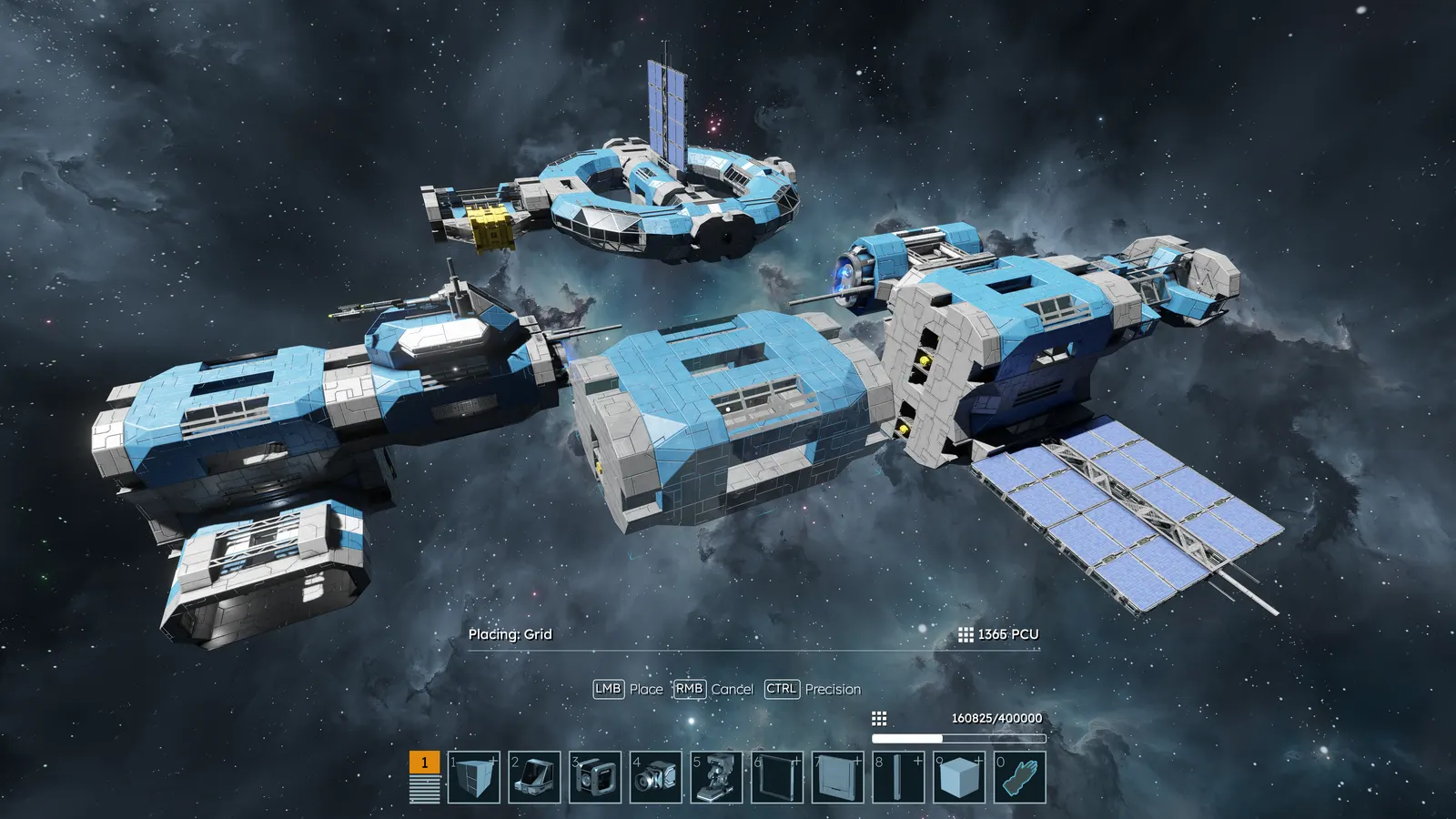
For a base, place the first block in terrain or on a static grid. For a vehicle or ship, press J to create a free grid first.
The first placement determines whether construction begins fixed or mobile.Choose the appropriate placement mode. On a planet, gravity alignment helps keep the construction level.
Add only a few blocks and confirm their behavior. Use Z to undo and Y to redo a placement before committing more resources.
BEFORE YOU FINISH
AVOID
Do not build a vehicle as a station extension and assume cutting it free later will always behave correctly. Start with a free grid.
Original Almagest writing based on official documentation. Open this section only to inspect the references used.