BEFORE YOU FINISH
- The grid is mobile.
- The cockpit controls the correct grid.
- A gyroscope provides rotation.
- Thrust includes cargo mass.
- Fuel or power reaches every thruster.
Space Engineers 2Wiki
VS2.4 · en-US · sourced data
DESIGN A VEHICLE / 03
Turn a shell into a controllable, powered mobile grid that can move safely.
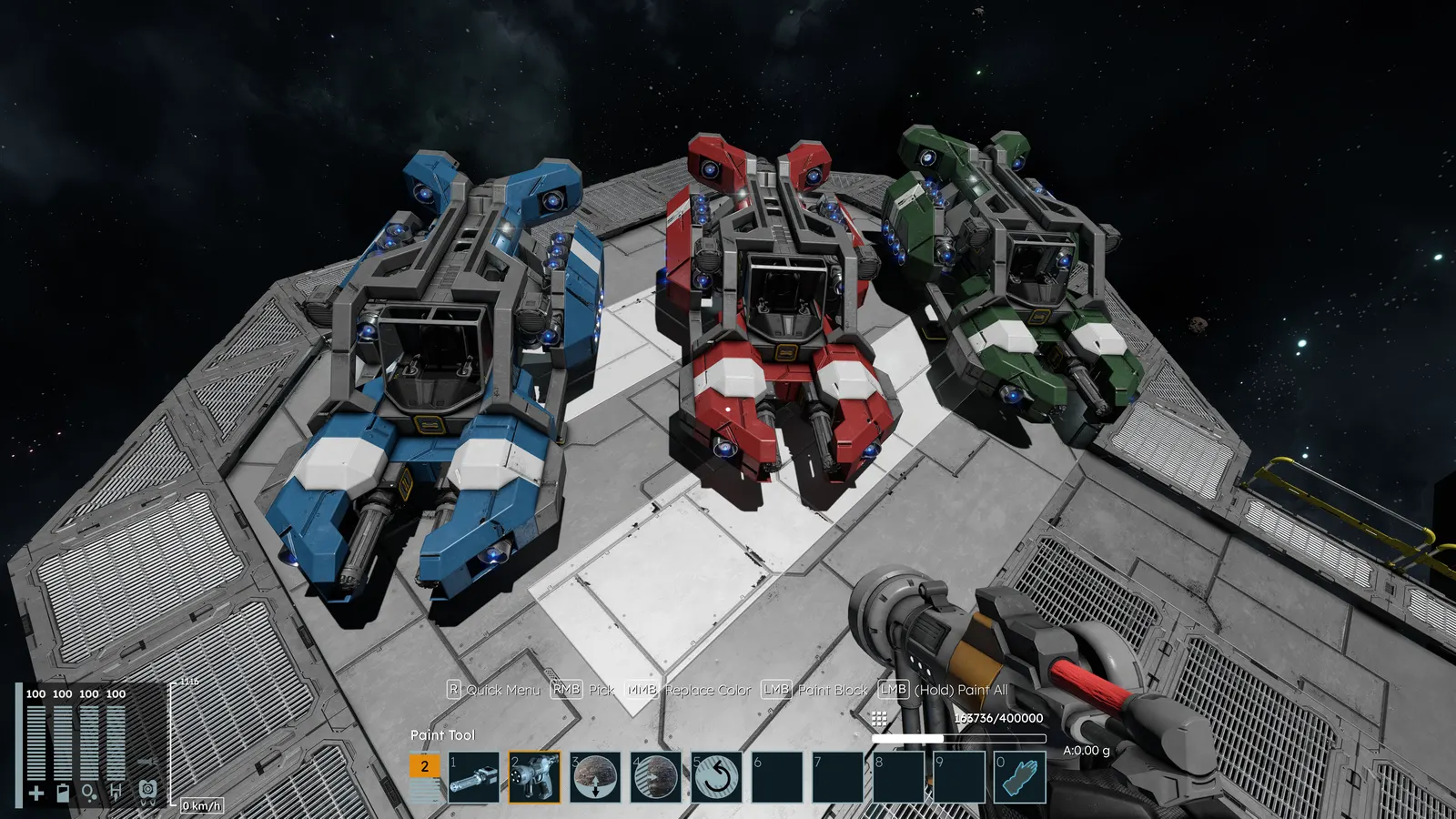
OBJECTIVE
A simple prototype whose thrust, control and loaded mass have been checked before finishing.
PROCEDURE
Press J to create a free grid. Keep the chassis compact and leave room for control, propulsion and connections.
Atmospheric thrusters work in atmosphere, ion thrusters target space, and hydrogen works in both but requires hydrogen.
Use estimated final mass including cargo. In gravity, vertical thrust must exceed grid weight; keep control margin.
Install a cockpit and gyroscope. More gyroscopes let the grid reach the requested angular speed sooner. Connect every thruster to its resource and check peak network capacity.
Provide enough thrust to move, brake and correct course. A planetary craft must sustain its weight continuously.
Try the prototype lightly loaded, then at planned mass. Fix thrust and balance before armor and decoration.
BEFORE YOU FINISH
AVOID
Community figures may belong to another version. Check catalog entries before freezing a design.
Original Almagest writing based on official documentation. Open this section only to inspect the references used.