BEFORE YOU FINISH
- No neighboring block is included.
- The anchor block makes placement easy.
- The module connects without major correction.
- The blueprint name includes purpose and version.
Space Engineers 2Wiki
VS2.4 · en-US · sourced data
BUILD EFFICIENTLY / 04
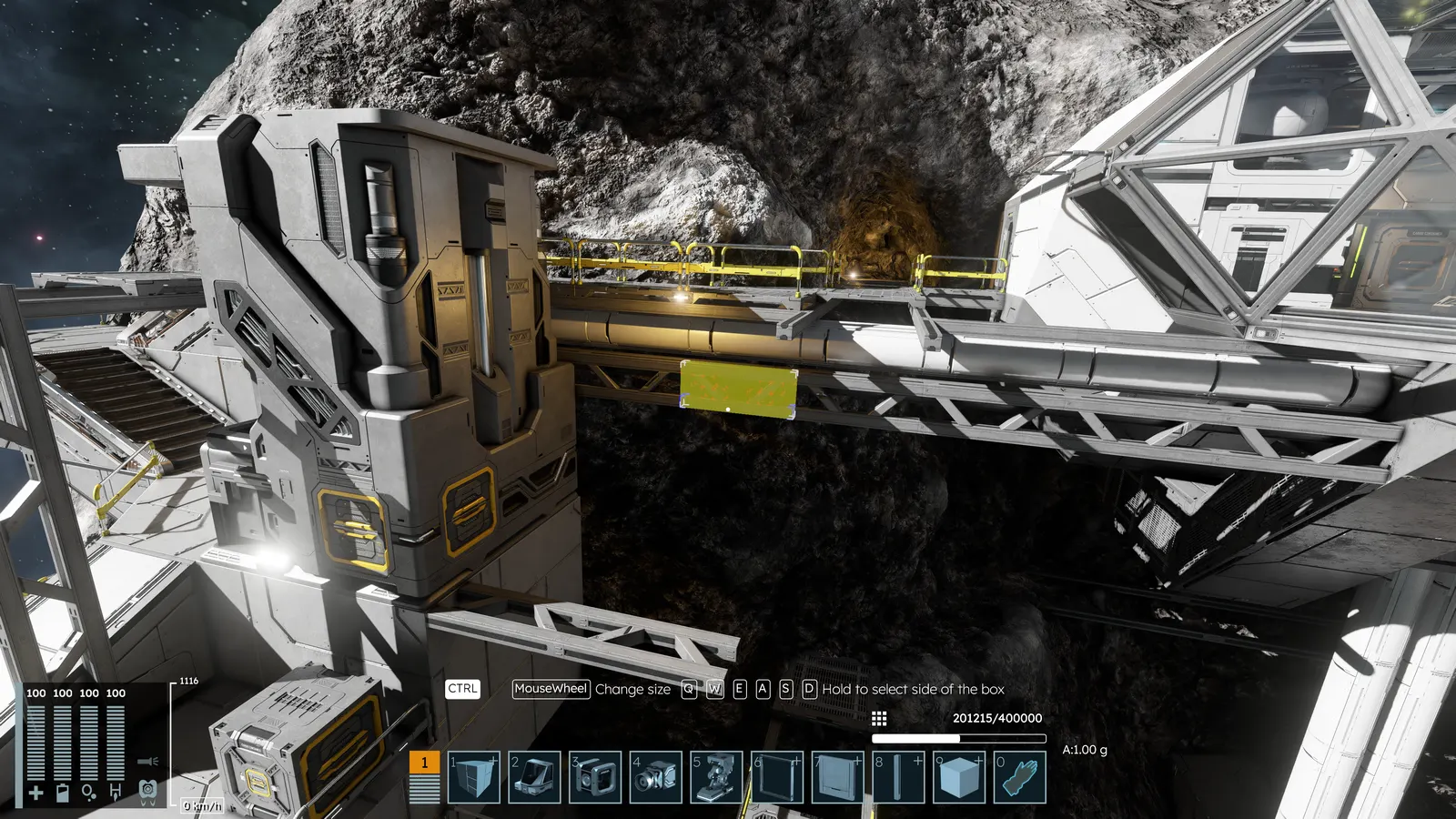
Select part of a grid, copy it, then turn it into a reusable module or blueprint.
OBJECTIVE
A clean module copied with a useful anchor point and ready for the blueprint library.
PROCEDURE
Choose a self-contained section such as a cockpit, engine room, compartment or hull segment. Aim at the block that should become its placement anchor.
Press Ctrl+P, then click to begin the selection. Use the mouse wheel to expand or retract the volume in every direction.
Hold Ctrl with W or S and use the wheel for depth; A or D for horizontal size; Q or E for vertical size. Escape cancels.
Click once the volume contains only the intended blocks. Orient the copy, check its anchor and click to place it.
While the copy is active, press Ctrl+B to create a blueprint. Add it to the action toolbar when you plan to place it repeatedly.
BEFORE YOU FINISH
AVOID
An oversized selection may capture hidden blocks or connections. Inspect it from several angles before confirming.
Original Almagest writing based on official documentation. Open this section only to inspect the references used.